Buying for someone who streams? Start with what they own and what they have said they want to improve. The wrong mount or connection can turn an expensive gift into something they cannot use.
The ideas below cover different jobs. There is no single winner for every streamer, and you do not need to replace equipment that already works.
Which gift decision are you making?
Choose what they want to improve. This points to the checks to make, not a guaranteed product match.
Ask for the exact item first
Ask what they own, what they want to improve and which connection or mount they need. A duplicate or incompatible gift is not useful.
Read the questions to ask →The gift questions, comparison table and source links below work without JavaScript. Ask for the exact model and check its connections and full cost before buying.
Six gift ideas, with reasons to skip
These options fit different needs. No product is a universal winner, and the order is not a performance ranking.
Amazon links are paid links; we may earn a commission at no additional cost to you. As an Amazon Associate I earn from qualifying purchases. They open Amazon US. Check local availability and delivery yourself.
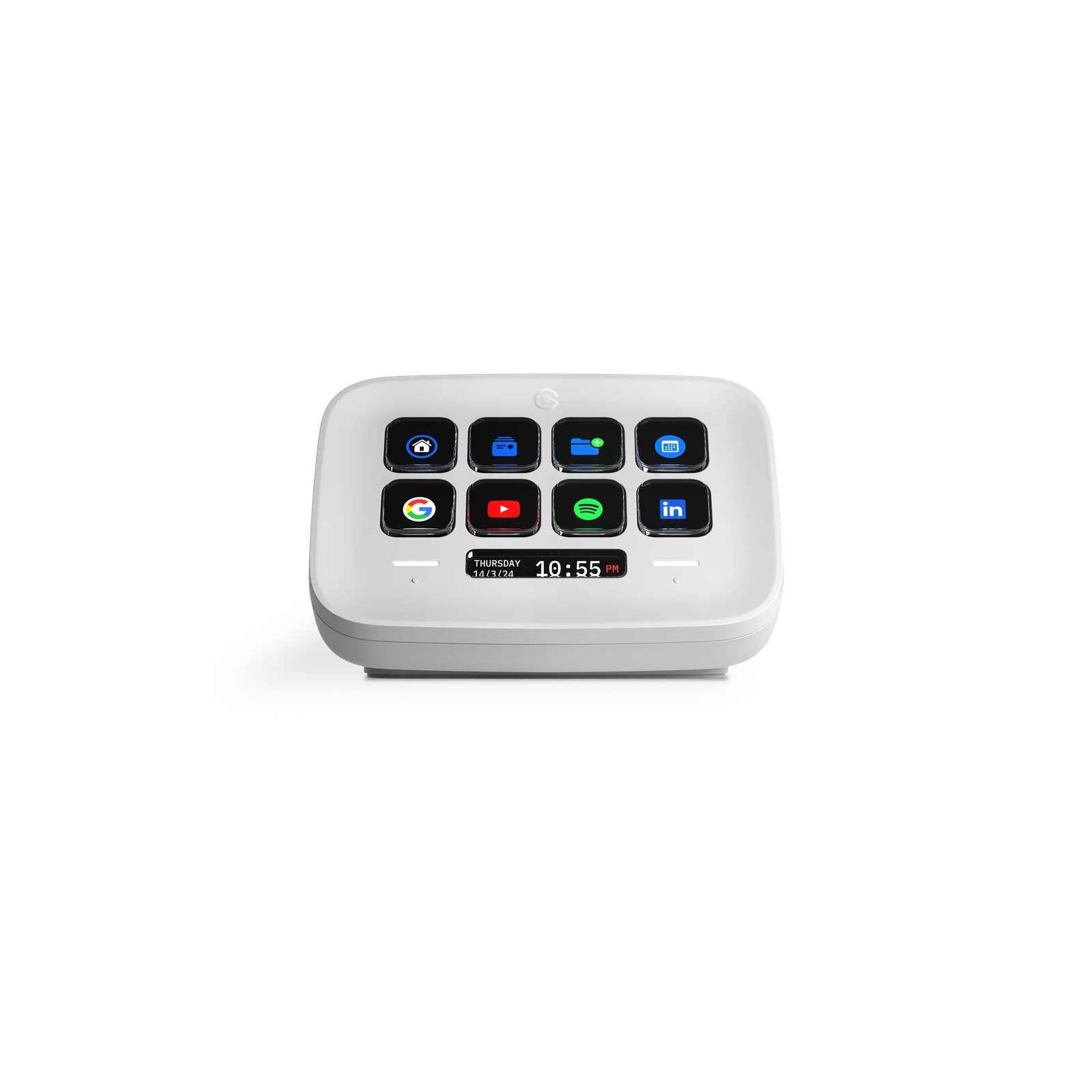
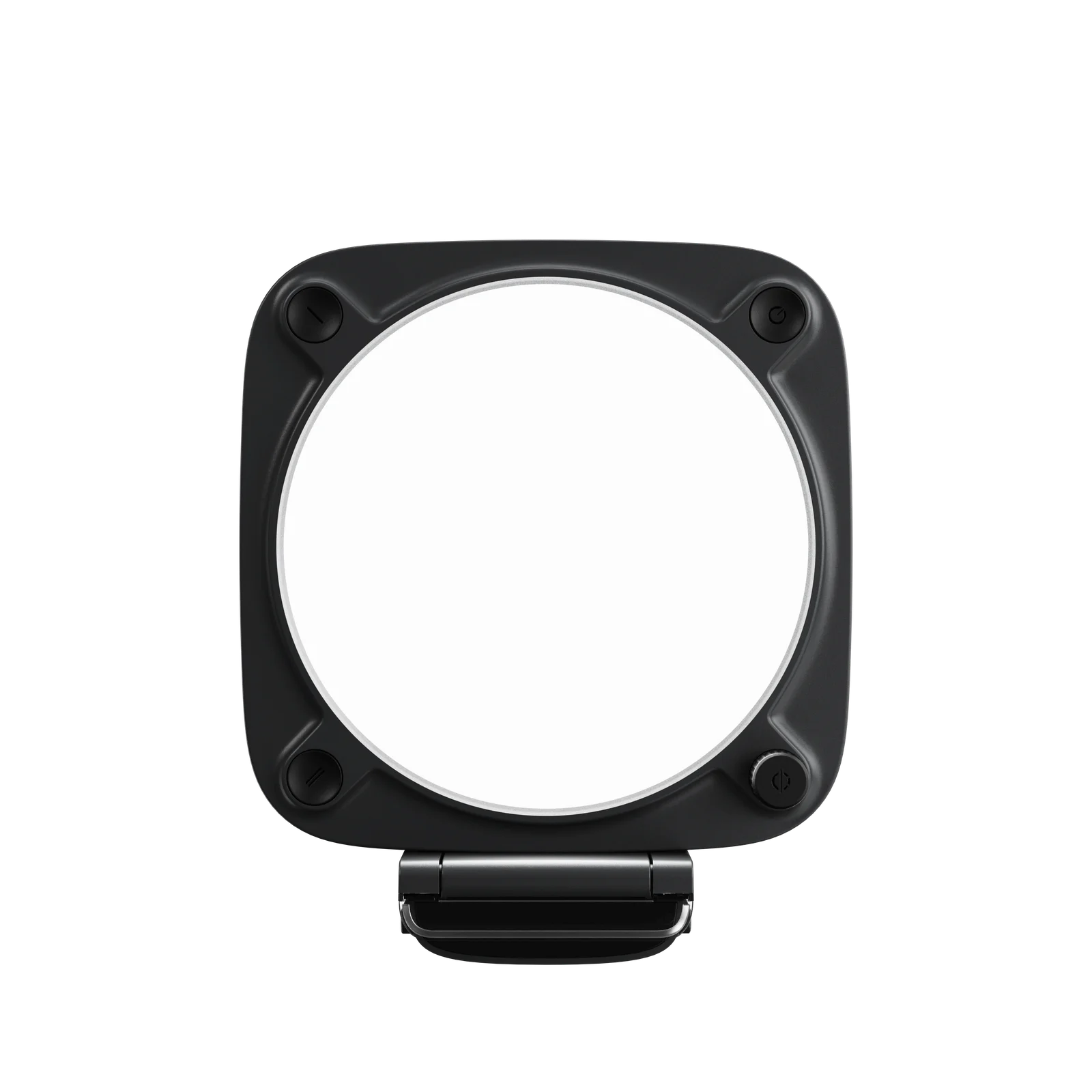
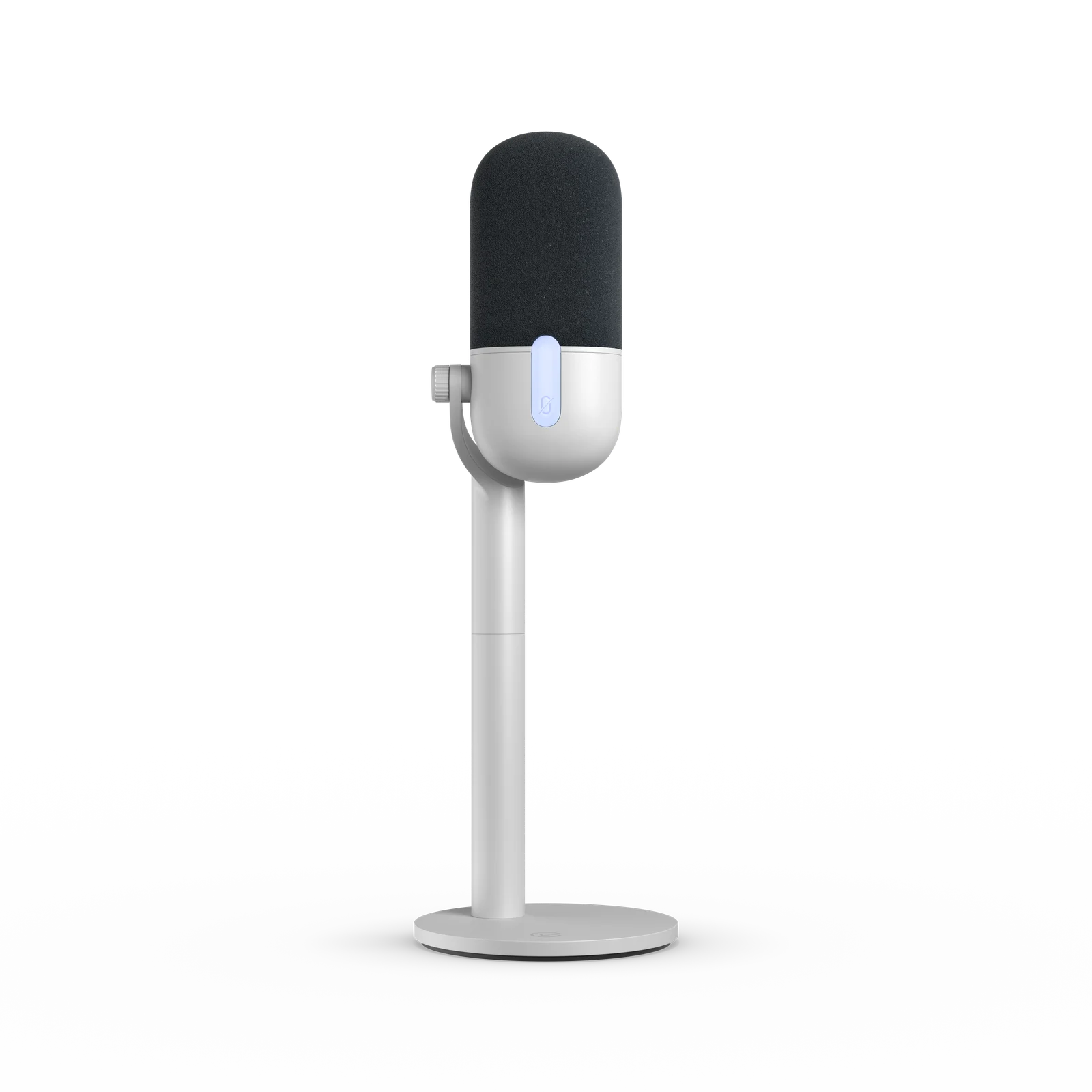
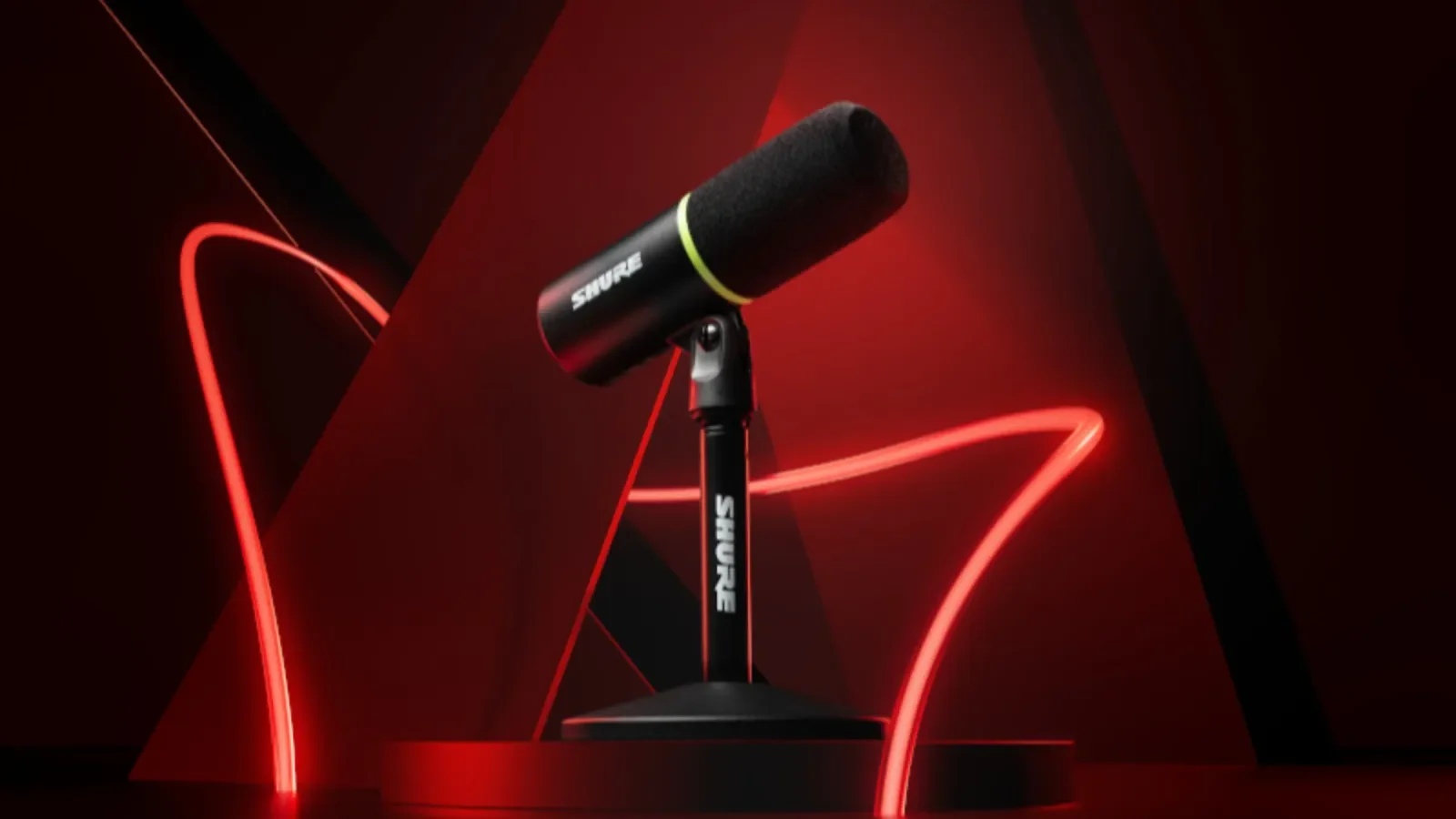

Ask these five questions before buying
A short conversation prevents most gift mistakes. If the recipient has a wish list, ask for the exact model and edition rather than buying something with a similar name.
- What do you already own, including the stand or arm?
- What would you like to improve: voice, light, picture, controls or console capture?
- Which computer, operating system and ports will it use?
- Which accessories are included, and which would you still need?
- Would you prefer to choose the exact item yourself?
Use a complete budget, not just the product price
For a microphone, add the mount, cable, any interface, delivery and tax. A lower-priced XLR mic can cost more to use than a complete USB kit. For a light, check mounting and power. For capture, count the required HDMI and USB data cables.
If your gift limit is $25, $50, $100 or $200, compare the current full total with that limit. We do not put products into a price tier without a verified current price. The microphone comparison accepts prices you enter and keeps missing costs marked unknown.
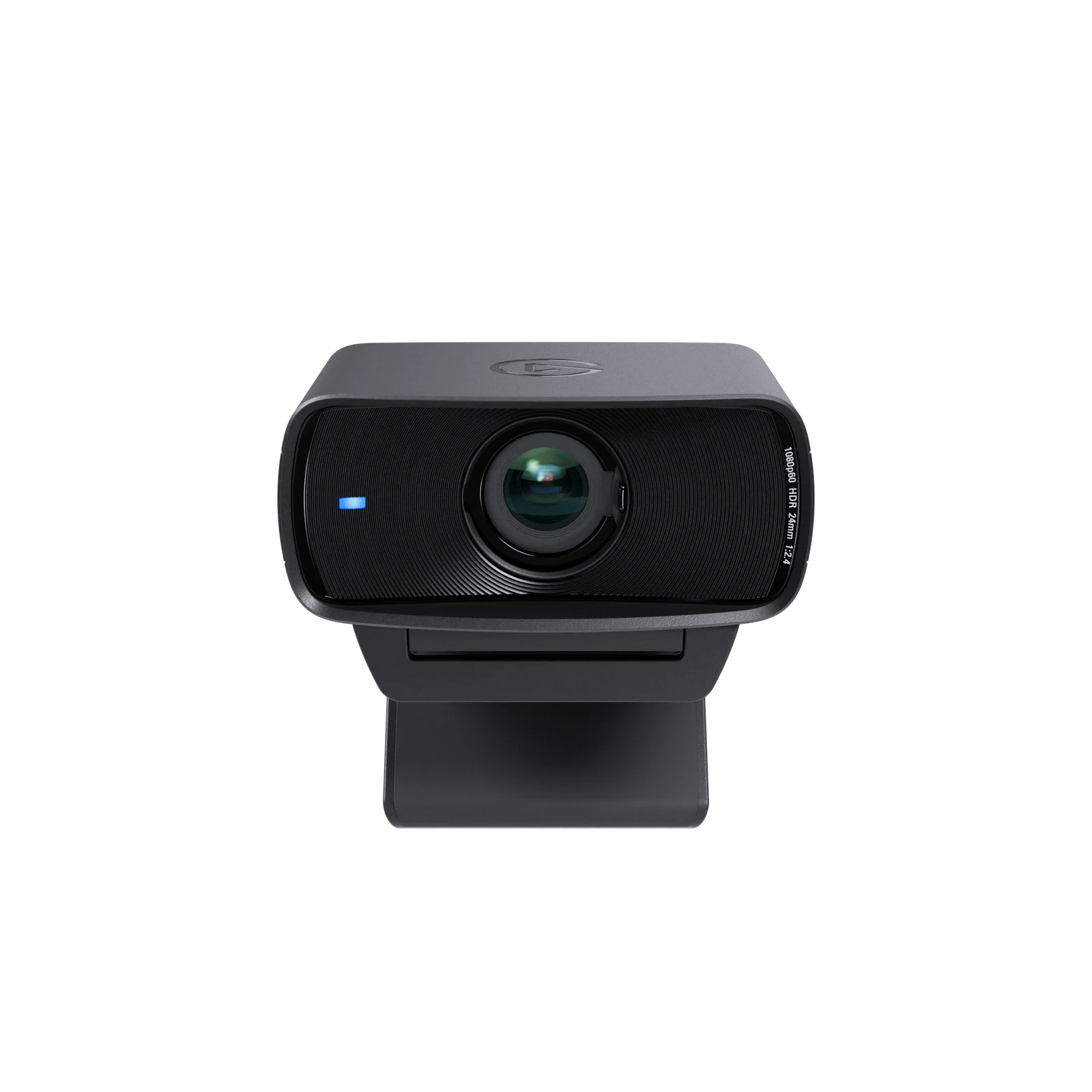
A product photo does not establish what the retailer includes. Match the exact bundle before buying.
Christmas, Hanukkah and other year-end gifts
Check the seller's delivery estimate for the recipient's address, then read the gift-return terms. A manufacturer's old holiday article is not a current shipping promise. Check the calendar for the celebration your recipient observes, including holidays that begin the preceding evening.
If it is too late to verify a physical gift, agree on the item with the recipient or offer help setting up what they own. Do not assume a digital or physical product arrives in time without checking its seller.
Birthdays, partners and creator milestones
A birthday or stream anniversary is a good reason to ask what would make the next stream easier. The same compatibility checks apply all year. Choose by the person's actual setup, not their gender, follower count or the products used by a famous creator.
For someone who already has the basics, a duplicate microphone is rarely a useful surprise. Help plan a special stream, tidy existing cable runs or prepare a private recording test before assuming they need more equipment.
What if I do not know their setup?
Ask for the exact item or use the free chooser above to identify the questions to ask. A capture card is especially risky without knowing the console output, computer, USB speed, display mode and audio path. Do not guess that a 4K label means the card records 4K.
For a mic gift, ask whether they need direct voice monitoring. Wave Neo's headphone output is for computer playback; the original MV6, AM8 and K688 have different monitoring options. That can matter more than a feature list or a discount.
Gifts for beginner streamers: find the first missing part
Ask the beginner to make a short private recording with the computer, headset and camera they own. Listen to the voice and watch the framing together. If the recording already does the job, help prepare a show instead of buying a starter bundle full of duplicates.
Choose one agreed improvement. A mic needs a usable position and the right connection; a light needs a mount and power; a capture card needs a checked source-to-computer path. Gear Finder can help plan what to keep, buy or skip, but it cannot inspect their hardware or promise a better recording.
Buying for a teenage streamer or as a parent
Confirm the exact equipment with the teen and their parent or guardian. Start with private recording and the household's privacy and account decisions. A new webcam or public channel should not be a surprise that requires them to appear on camera.
If they mainly play games rather than stream, use the teen gamer or PC gamer guide below. A second microphone is not automatically useful for someone who only needs a desk surface, a requested mouse or an approved game.
A streamer boyfriend, girlfriend, dad or mom
Choose by the person’s actual show and preferences. A partner may want help preparing an anniversary stream; a parent who streams may want a simpler desk setup. Their relationship to you does not determine which microphone or controller fits.
Ask for a few exact wishlist choices and pick one within the full budget. For a partner who prefers to play together, the partner gift guide below includes co-op planning and alternatives to another piece of streaming equipment.
What do you give a streamer who has everything?
Ask whether any repeated task is still awkward. If they want labeled physical controls, compare Stream Deck Neo with the OBS hotkeys and mobile options they can try first. Skip the hardware when their current controls are enough.
Useful no-purchase gifts include helping organize a show plan, checking a private recording with them or setting aside time for a game they want to share. Do not change their OBS settings or cable layout without asking. Time and a clear plan can be the missing part.
Where this comes from.
Platform limits, software and product details change. These are the pages this guide was checked against. Read the current version before you rely on a number.
Elgato Wave Neo — manufacturer documentation↗Shure MV6 (original) — manufacturer documentation↗Elgato Key Light Neo Black with Monitor Mount — manufacturer documentation↗Elgato Stream Deck Neo — manufacturer documentation↗Elgato Facecam MK.2 — manufacturer documentation↗Elgato Game Capture Neo — manufacturer documentation↗OBS — make a private recording with your setup↗