A PC gamer may already have a carefully chosen mouse, keyboard and game library. Replacing a favorite with a surprise upgrade can miss what they value about it. Ask which game or small part of the setup they actually want to change.
These six ideas cover different budgets and different amounts of information. The hardware examples below have specific limits; they are not a ranking of the fastest gaming equipment.
Compare the paths before choosing a product
Compare the documented differences
These options fit different needs. No product is a universal winner, and the order is not a performance ranking.
Amazon links are paid links; we may earn a commission at no additional cost to you. As an Amazon Associate I earn from qualifying purchases. They open Amazon US. Check local availability and delivery yourself.

1. Buy the exact wishlist item before guessing at PC parts
Ask for the full product link, model, edition and color. For a game, ask which store they use, whether they already own it and whether they want the base game or an expansion. A PC label does not mean every computer can run it.
Avoid choosing a graphics card, RAM kit, internal SSD or power supply without a checked parts list. Dimensions, slots, connectors, capacity and the existing build all matter. Offer a contribution toward the exact upgrade if they are still choosing it.
- Which operating system and game launcher do you use?
- What do you already own, and what bothers you about it?
- What is the exact item or game edition?
- Does the full cost, including any adapter or cable, fit the gift limit?
2. A mouse is a good gift when the shape is already chosen
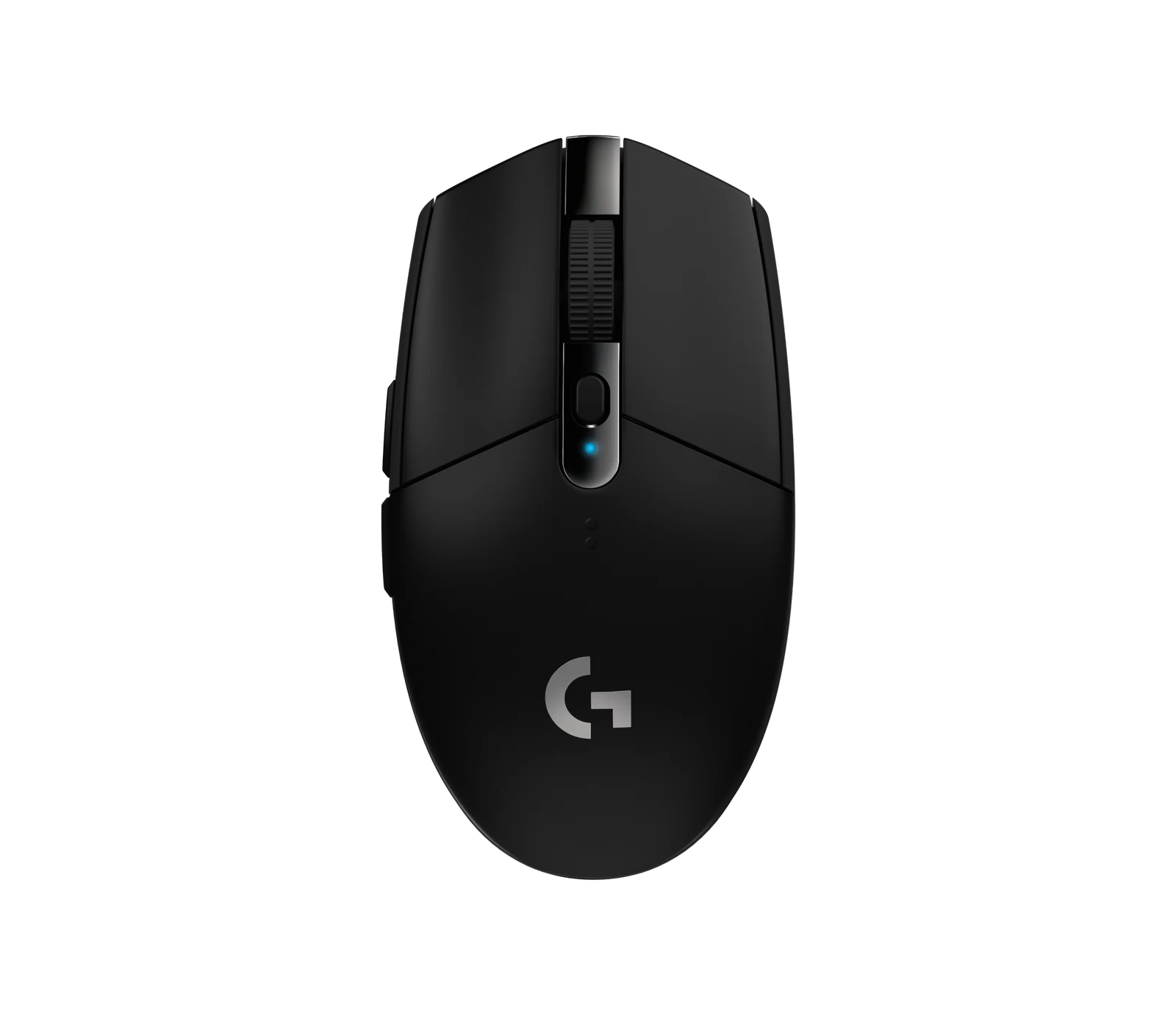
The G305 LIGHTSPEED example uses a USB receiver and an AA battery. It suits a recipient who wants that arrangement. It is a poor substitute for a requested Bluetooth or rechargeable mouse, regardless of a sale label.
Ask about grip, hand size, side buttons and whether they can try the shape first. Do not rank a mouse for them by DPI alone. For someone who already has a favorite, a replacement of the exact model may be more welcome than a different premium model.
3. Match the controller to both the computer and the game
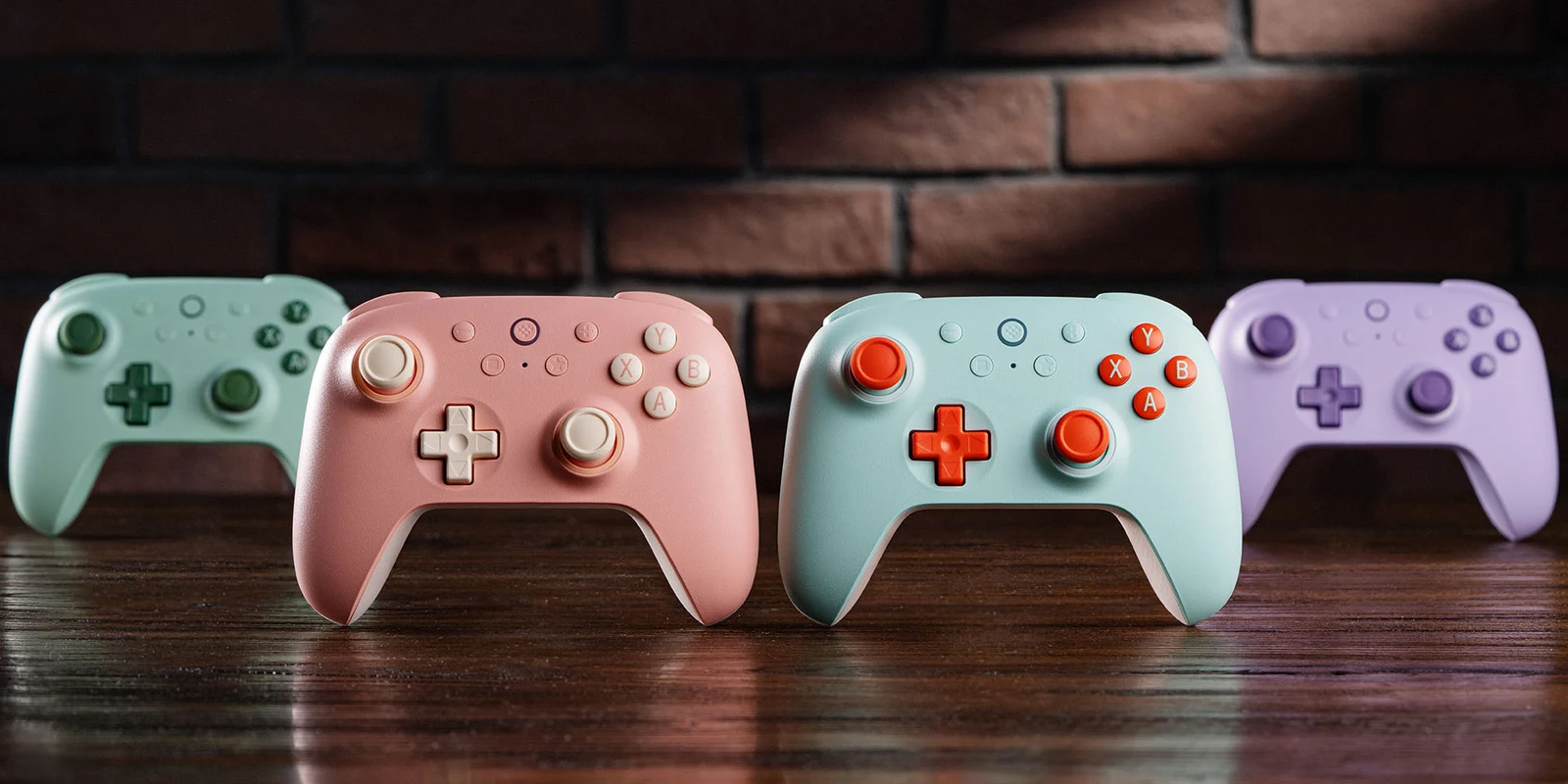
The 8BitDo Ultimate 2C Wireless example connects to supported Windows PCs by its 2.4 GHz USB receiver or USB cable, and to supported Android devices by Bluetooth. Do not treat Bluetooth as its documented Windows connection or assume its Xbox-style buttons make it work on an Xbox console.
Check the intended game's controller support and the recipient's preferred button layout. A controller does not make every keyboard-and-mouse game comfortable. This model has no headset jack, so plan voice chat separately if they need it.
4. Measure the desk before choosing a larger mouse mat
The MM300 PRO Extended example is 930 × 300 mm and 3 mm thick. Measure the clear area around monitor feet, microphone clamps and the keyboard. A larger mat can be inconvenient on a narrow desk.
Ask whether they prefer cloth, a harder surface or the mat they already own. The manufacturer's spill-resistant coating is a cleaning feature, not protection for the keyboard or computer beside it. Match Extended SKU CH-9413641-WW rather than another MM300 size.
5. Let them choose a game through the store they use
Steam gift credit can suit someone with a Steam library, but PC players also use other stores. Confirm the recipient's store and country before buying any code. Read the current official instructions for digital gifts, currency handling and account eligibility.
A wallet top-up, a subscription and a gift of a particular game are different purchases. Do not buy an unfamiliar third-party key just because it is cheaper. Use the store or an authorized seller and keep the receipt and redemption instructions.
6. Give a game night to the gamer who has everything
Choose a game together, reserve a time and arrange the required controls. For local co-op, check how many players the game supports on one machine. For online play, check copies, accounts and any subscription each person needs.
Steam Remote Play Together supports shared play for compatible games; it is not a promise that every game works remotely. Check the game's store features and try the connection before the planned night. Using something already in the library can make this a no-purchase gift.
Christmas, birthdays and small gift budgets
Use the same checks for a birthday, Christmas, graduation or a new setup. For a holiday purchase, verify delivery to the actual address and the gift-return window. Black Friday and Cyber Monday do not change which model fits.
For limits such as $25, $50 or $100, add tax, delivery and every required accessory using current seller prices. We do not label these products as under a fixed amount without checking that total. If the budget does not cover the right item, choose credit, a shared activity or a smaller agreed gift.
Where this comes from.
Platform limits, software and product details change. These are the pages this guide was checked against. Read the current version before you rely on a number.
Logitech G305 LIGHTSPEED — official specifications↗8BitDo Ultimate 2C Wireless Controller — official specifications↗CORSAIR MM300 PRO Extended — official specifications↗Steam — official gift card options↗Steam — Remote Play and compatible shared play↗