Write down the actions you repeat during a stream: scene changes, muting, starting a recording or opening a familiar app. That list tells you more about the controller you need than a long plugin catalog.
Three alternatives can use equipment you already own. The fourth option below is a physical Neo controller for comparison, not an alternative brand or a claim that every option replaces every Stream Deck feature.
Compare the paths before choosing a product
Compare the documented differences
These options fit different needs. No product is a universal winner, and the order is not a performance ranking.
Amazon links are paid links; we may earn a commission at no additional cost to you. As an Amazon Associate I earn from qualifying purchases. They open Amazon US. Check local availability and delivery yourself.
1. Use OBS hotkeys for a small action list
Open OBS Settings and check Hotkeys for the actions you need. Start with a small set you can remember and test them during a private recording with your game focused.
Keyboard shortcuts use a device you already have, but conflicts and focus behavior need checking. Keep sensitive actions such as going live away from combinations you press accidentally.
2. Try Stream Deck Mobile on a supported device
Elgato offers a mobile keypad that works with its desktop software. Check the supported phone/tablet and computer combination and the connection instructions before planning your layout.
The official page lists a free six-key option and paid features. Confirm the current terms for your platform instead of assuming every advertised layout is included free. A touchscreen has no physical key feel and needs power and a convenient place to sit.
3. Compare Touch Portal for mobile control
Touch Portal documents OBS integration for actions such as changing scenes and controlling audio. Check its desktop/mobile requirements and current free and paid limits for the particular actions you want.
Budget time to pair the devices, configure controls and privately test them. Do not expose a control connection to the public internet just to make a mobile controller work. Follow the app's connection and security guidance.
4. Choose physical keys when touch controls are the limit
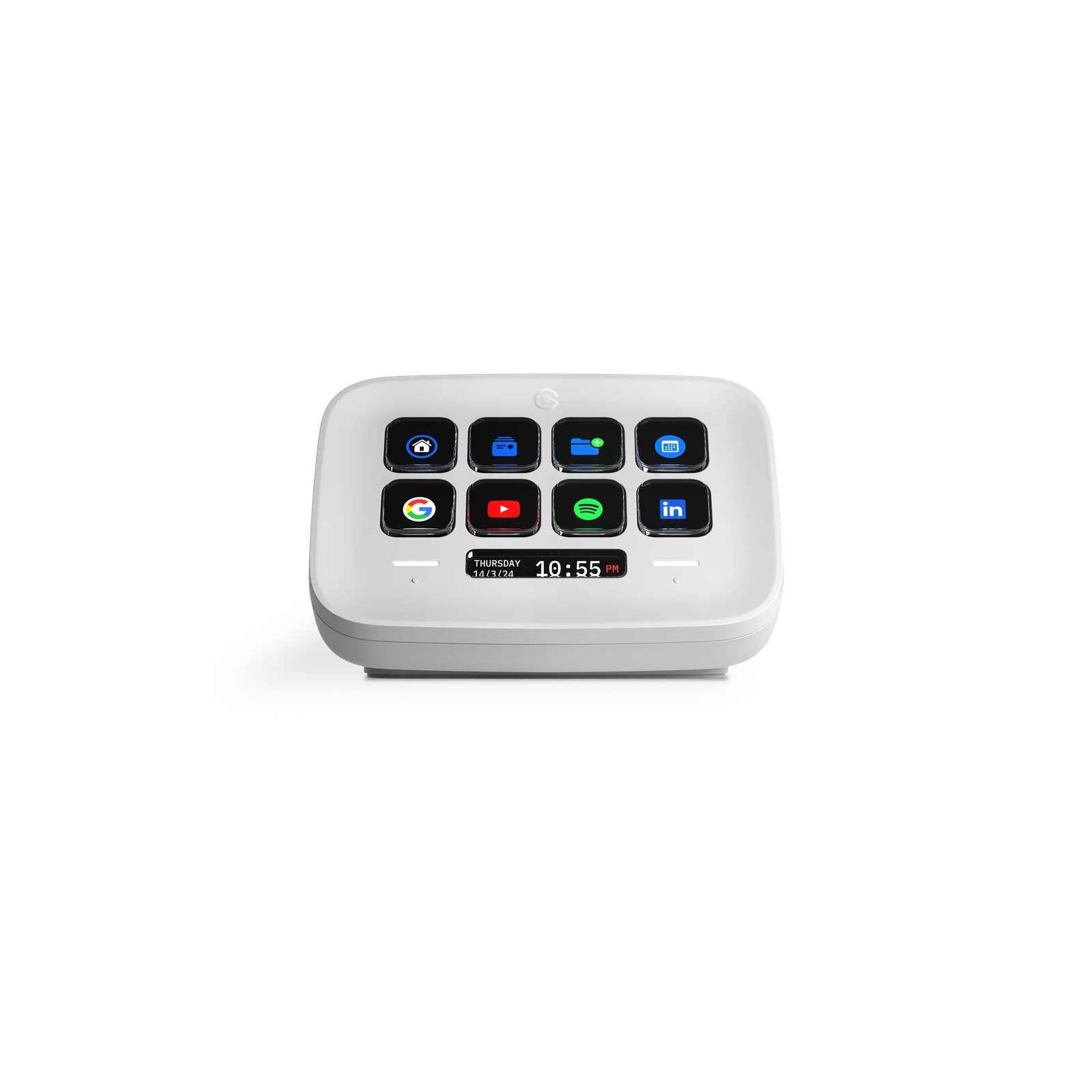
Stream Deck Neo is a physical reference option with eight LCD keys. It may fit a desk where repeated actions benefit from labels and tactile keys. It has no audio inputs or physical dials; it does not replace an audio interface.
Compare the exact edition, USB connection and supported plugins. A physical controller still needs configuration, so prepare the actions before buying rather than assuming the device makes a show plan for you.
How to test before spending
Build the first few actions with the keyboard or a supported mobile option, then run your usual game and OBS scene. Check scene switching, mute state and accidental presses in a private recording.
Keep the setup that does the job reliably for you. If you still need physical keys, the test gives you a concrete layout and a reason for the purchase.
Where this comes from.
Platform limits, software and product details change. These are the pages this guide was checked against. Read the current version before you rely on a number.
OBS — interface and settings overview↗Elgato — Stream Deck Mobile↗Touch Portal — official features and requirements↗Elgato Stream Deck Neo — manufacturer documentation↗