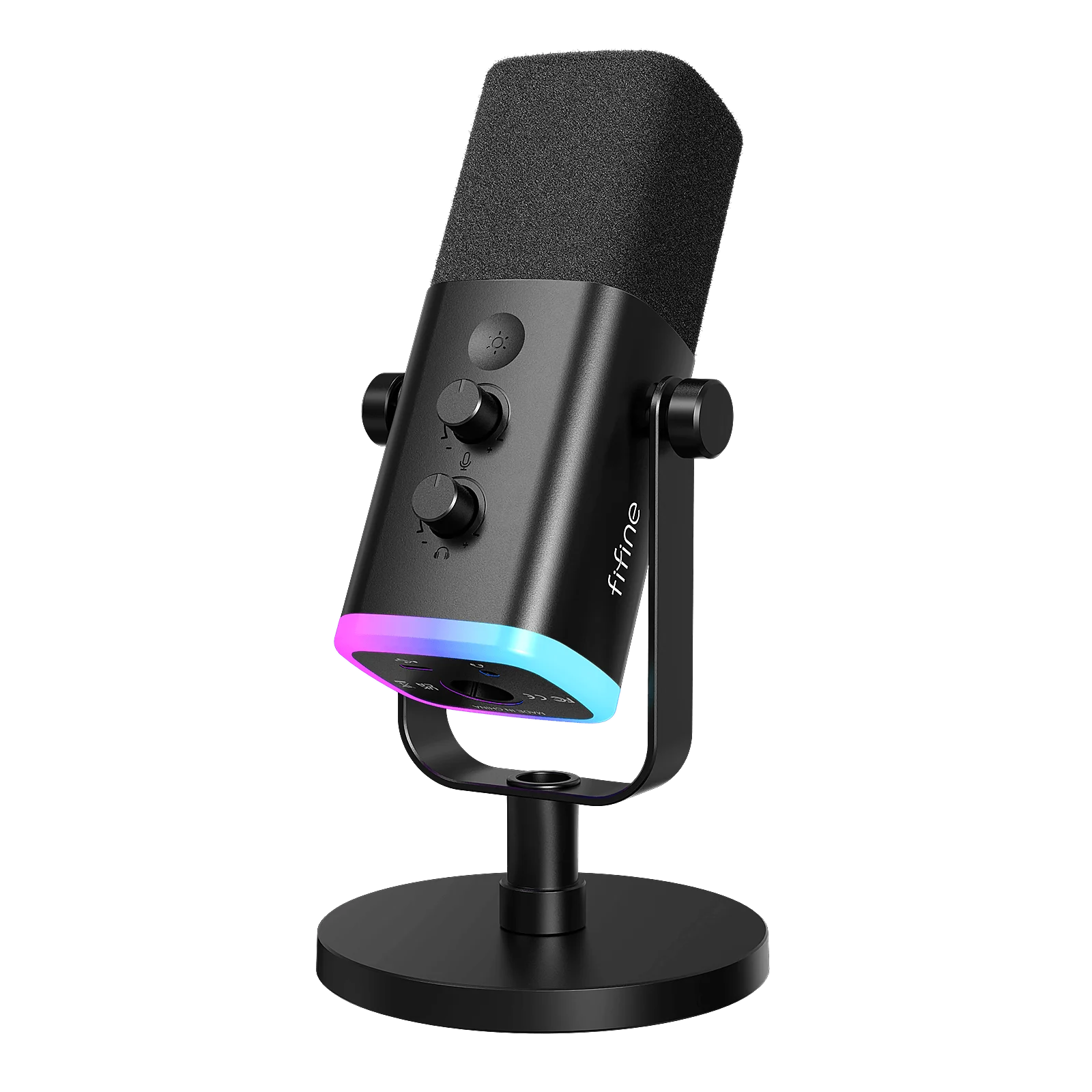
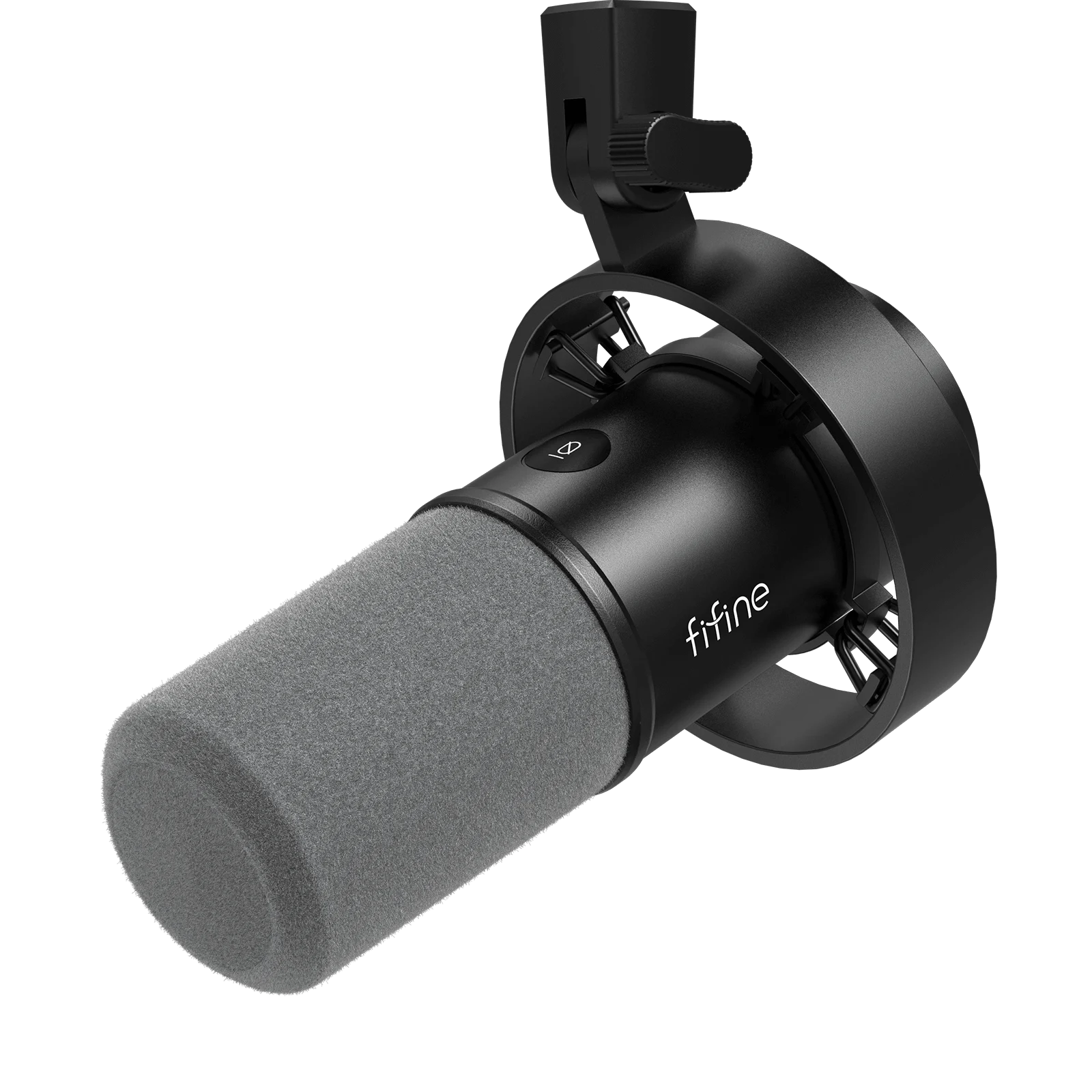
A useful microphone shortlist starts with the way you will connect and use it. A direct headphone output, a suitable mount and the full kit cost may matter more than another audio feature.

These are four documented options for different setups, not the four best-sounding microphones in a listening test. Try a closer position and a short recording with your existing mic first.

QUICK ANSWER

Choose by the job and the complete setup

Among these four microphones, choose Wave Neo for a simple USB kit without direct voice monitoring, the original MV6 for USB with direct monitoring, or AM8/K688 when a future XLR option matters. Choose by the complete setup, not capsule type or a universal sound-quality ranking.

How these options were chosen

We compare manufacturer-documented connection, direct monitoring, included mounting and required extras. We have not physically tested these microphones side by side. No sound scores, price rankings or claims of a universal winner are assigned.

Product documentation reviewed 2026-10-29. No price, stock or delivery check is performed when you open this page.

Compare the documented differences

These options fit different needs. No product is a universal winner, and the order is not a performance ranking.

PAID LINK DISCLOSURE

Amazon links are paid links; we may earn a commission at no additional cost to you. As an Amazon Associate I earn from qualifying purchases. They open Amazon US. Check local availability and delivery yourself.
Connections and complete-kit checks, reviewed October 29, 2026
Exact modelConnection and monitoringIncluded or still neededSkip when
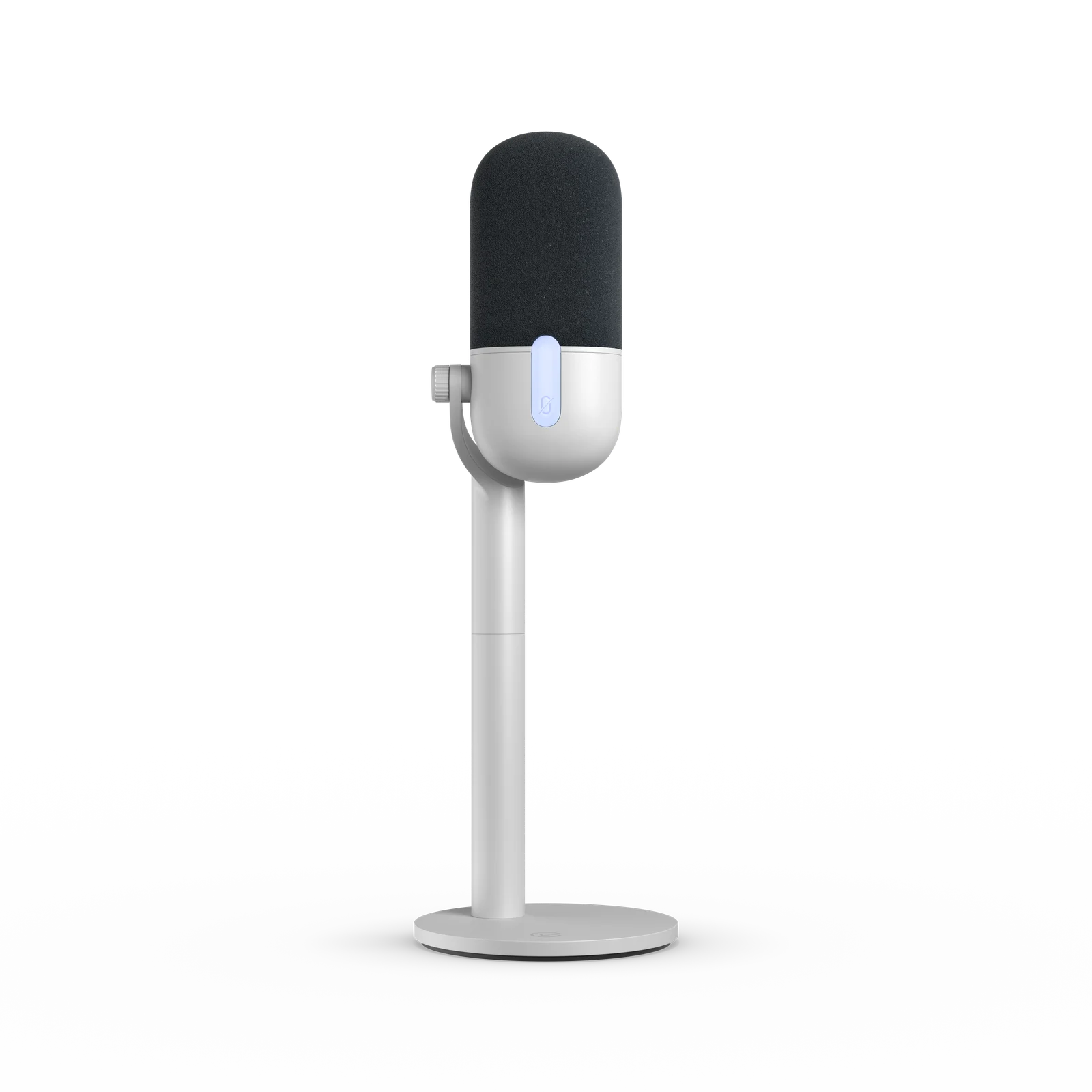
Elgato Wave NeoUSB-C microphone; supplied cable connects to USB-A

Headphone output plays computer audio; no direct voice monitoring

Desk stand, riser, foam filter and USB-C to USB-A cable in the documented kitYou need to hear your voice directly through the mic, or need an XLR output.
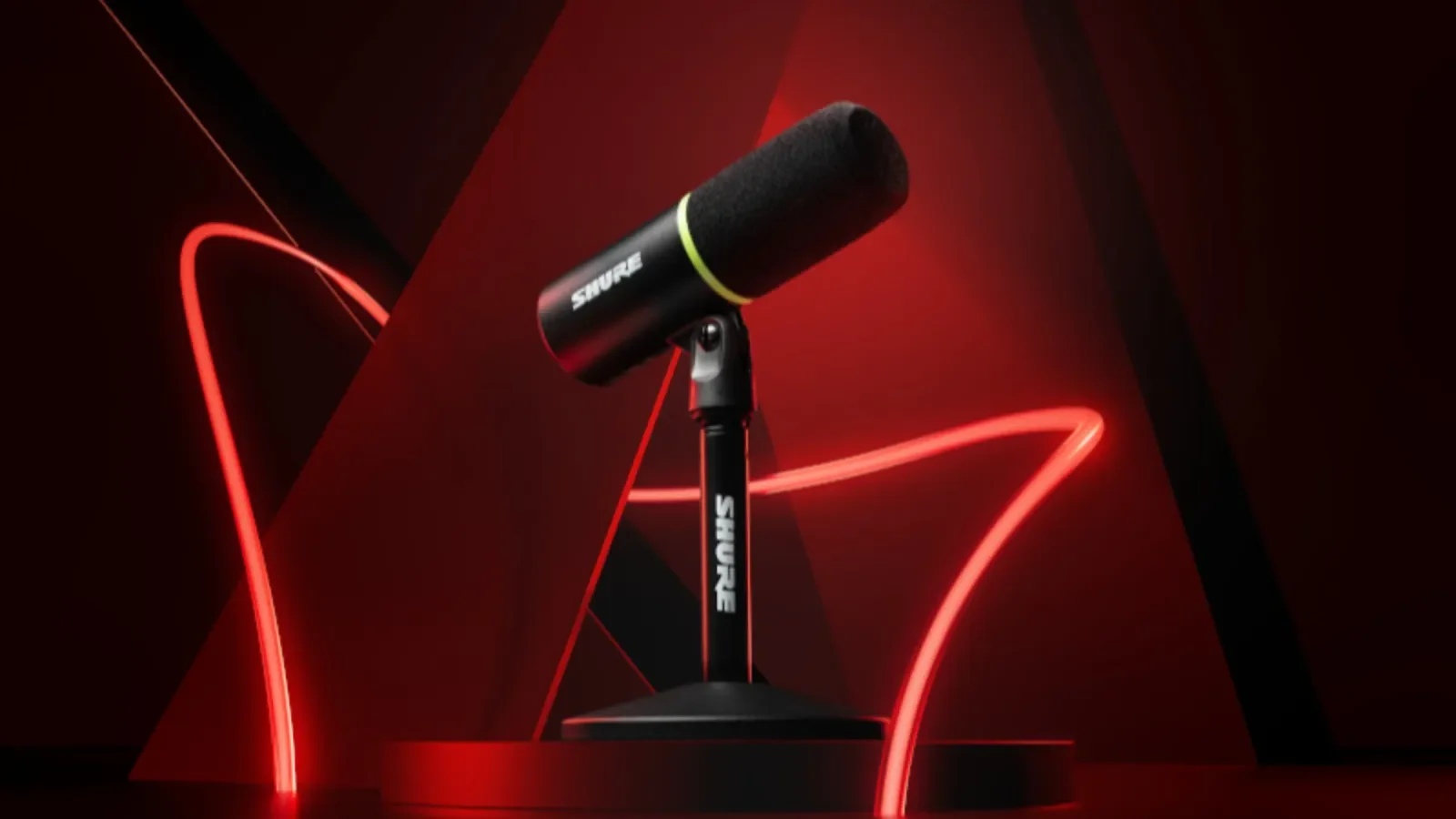
Shure MV6 (original)USB-C; no XLR output

Direct voice monitoring through its headphone output

Desktop stand and USB-C cable in the original model documentationYou need XLR or are shopping for MV6 Gen 2. These are different editions.
FIFINE AM8USB and XLR

Direct voice monitoring in USB mode; XLR monitoring depends on the interface

Base-stand and arm bundles differ; verify the selected kitYou expect the USB controls, RGB or headphone output to work through an XLR cable.
FIFINE K688USB and XLR

Direct voice monitoring in USB mode; XLR monitoring depends on the interface

Base K688 includes a shock mount, not a desktop stand; bundles differYou need a complete desk-ready kit but have not priced the mount, or assume USB controls work in XLR mode.
Elgato Wave Neo
Official Elgato product render. Source ↗
MICROPHONE

Elgato Wave Neo

Consider it when: A straightforward USB desk setup when direct monitoring is not required.

Before buying: Check OS/software requirements, your USB port and the exact bundle. Test the mic you own first.

Read the manufacturer details ↗

Watch Elgato's 15-second Wave Neo product demo ↗Opens the manufacturer's video on its host. This is a promotional demonstration, not our sound or performance test.

Compare the full microphone setup →Check the current Amazon US listing (paid link) ↗

Official manufacturer images illustrate the named product and shown edition. Match the retailer's selected color and bundle; an image does not establish included accessories. Manufacturer photos or demos are not our own performance tests.

What else does the setup need?

Follow the connection before choosing a bundle. These diagrams explain the setup; they are not performance tests.

USB microphone to OBS
  1. Microphone on a suitable stand or arm
  2. Compatible USB data cable and computer port
  3. Microphone selected as an audio source in OBS

Count the microphone, mounting, required cables or adapters, shipping and tax. Mark an accessory as included only after checking the exact listing.

Using AM8 or K688 through XLR?

  1. Microphone and XLR cable
  2. Compatible audio interface connected to the computer
  3. Interface selected as an audio source in OBS

Add the interface and its required connections to the total. Check monitoring on the interface; USB microphone controls do not carry over to XLR.

Direct monitoring lets you hear your voice through the hardware. Wave Neo plays computer audio through its headphone output; it does not provide direct voice monitoring. The original MV6, AM8 and K688 offer direct voice monitoring in USB mode.

Enter prices and compare the complete microphone cost →
01

A simple USB desk kit: Wave Neo

Wave Neo is an option when you want a straightforward USB connection and do not need direct voice monitoring. Its documented kit includes a desk stand, riser, foam filter and cable. Check that the stand lets you position the mic suitably.

Its headphone jack plays computer audio; it does not directly feed your voice back to your headphones. If that feature is important, compare another option before buying. The manufacturer demo illustrates the product, not how it will sound in your room.

02

USB with direct monitoring: original Shure MV6

The original MV6 combines USB-C with a headphone output for direct monitoring. Its original documentation lists a desktop stand and cable. Check the port or adapter you need on your computer and how you will position the microphone.

Match the original edition in the listing. MV6 Gen 2 is a separate product, so do not transfer its features or included cable to this shortlist. A dynamic capsule does not by itself remove keyboard noise, fans or room reflections.

03

USB now, XLR later: AM8 or K688

AM8 and K688 provide USB and XLR paths. In USB mode they provide direct voice monitoring. XLR use adds an interface and cable, and the USB controls and headphone output do not simply carry over to that mode.

The mounting decision distinguishes their base kits. Check the selected AM8 stand or arm bundle. The base K688 includes a shock mount rather than a desktop stand; price a compatible arm or reuse one you have checked. The comparison below links to an exact-model search, not a verified single listing for these two products.

04

Which one is best for a noisy room?

Start with placement, distance, gain and the direction of the microphone relative to fans and keyboard. Make two short recordings and listen at a similar playback volume. None of these product specifications proves which will sound best in your room.

If you cannot place a desktop mic near enough, a compatible arm may be the useful purchase. Add its full cost before comparing a mic kit with a cheaper microphone sold alone.

05

Compare full costs and test one change

Enter the current prices for microphone, mounting, interface where needed, cables, tax and delivery into the comparison tool. Mark items included or already owned explicitly. Missing prices should not become a zero-cost recommendation.

After connecting the chosen mic, select it in OBS and record a speech sample. Listen for missing or doubled voice, clipping and noise. Change one setting at a time so you can judge what changed.

SOURCES

Where this comes from.

Platform limits, software and product details change. These are the pages this guide was checked against. Read the current version before you rely on a number.

Elgato Wave Neo — manufacturer documentation↗Shure MV6 (original) — manufacturer documentation↗FIFINE AM8 — manufacturer documentation↗FIFINE K688 — manufacturer documentation↗OBS — audio sources↗
NEXT STEP

Enter the current item and accessory prices to compare two complete setups. Free.

Compare microphone setups →